

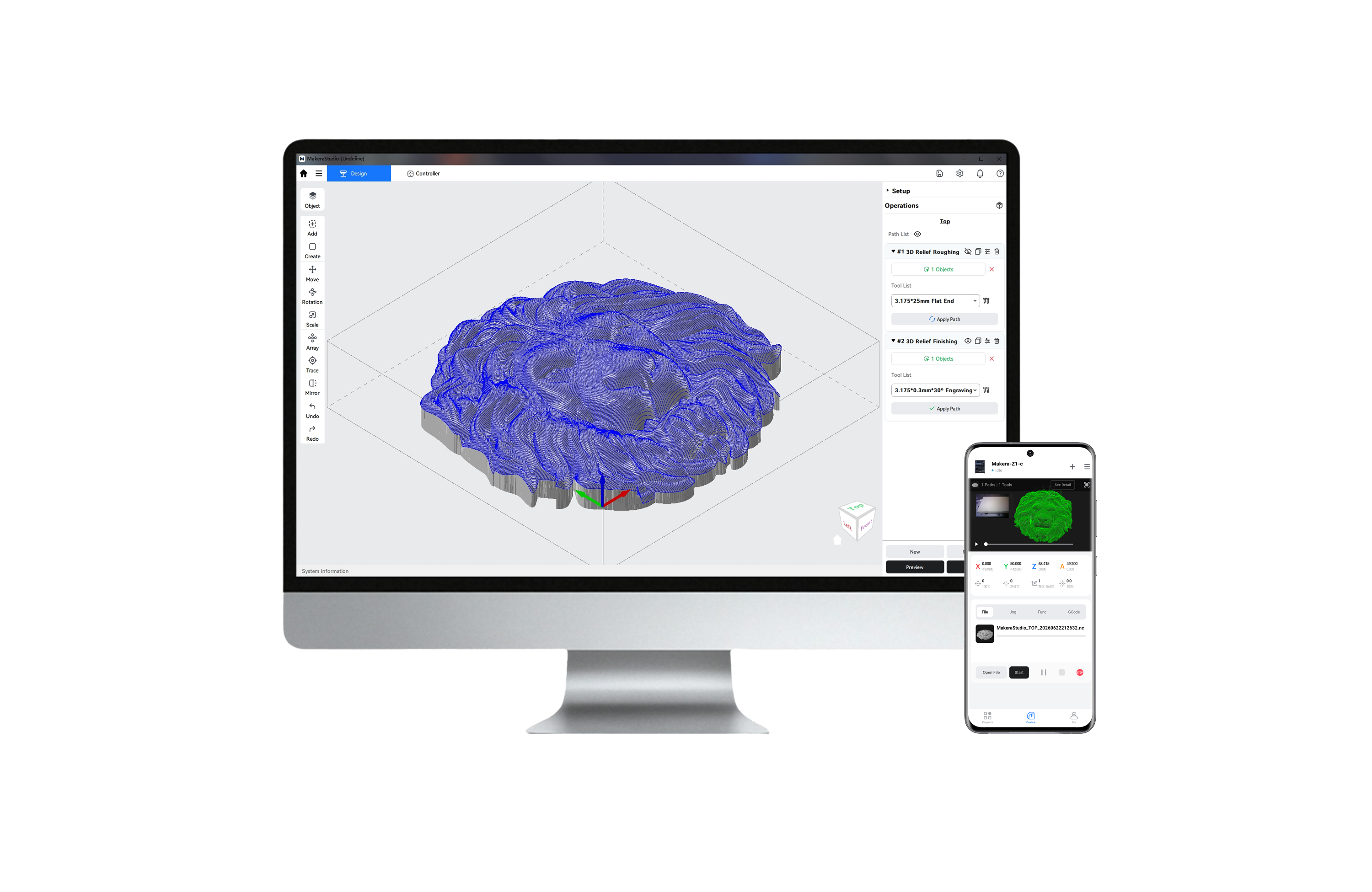
Makera Studio (openbare bètaversie) – CAM + besturingssoftware, in één.
Met Smart Wizard, automatische aanbevelingen voor gereedschap en realtime simulaties hoef je niet meer te gissen. Sluit je aan bij de Makerables-community voor kant-en-klare projecten – zodat je vanaf dag één aan de slag kunt. De bètaversie is nu beschikbaar!
Makera Studio: aanbevolen configuratie en handleiding voor probleemoplossing
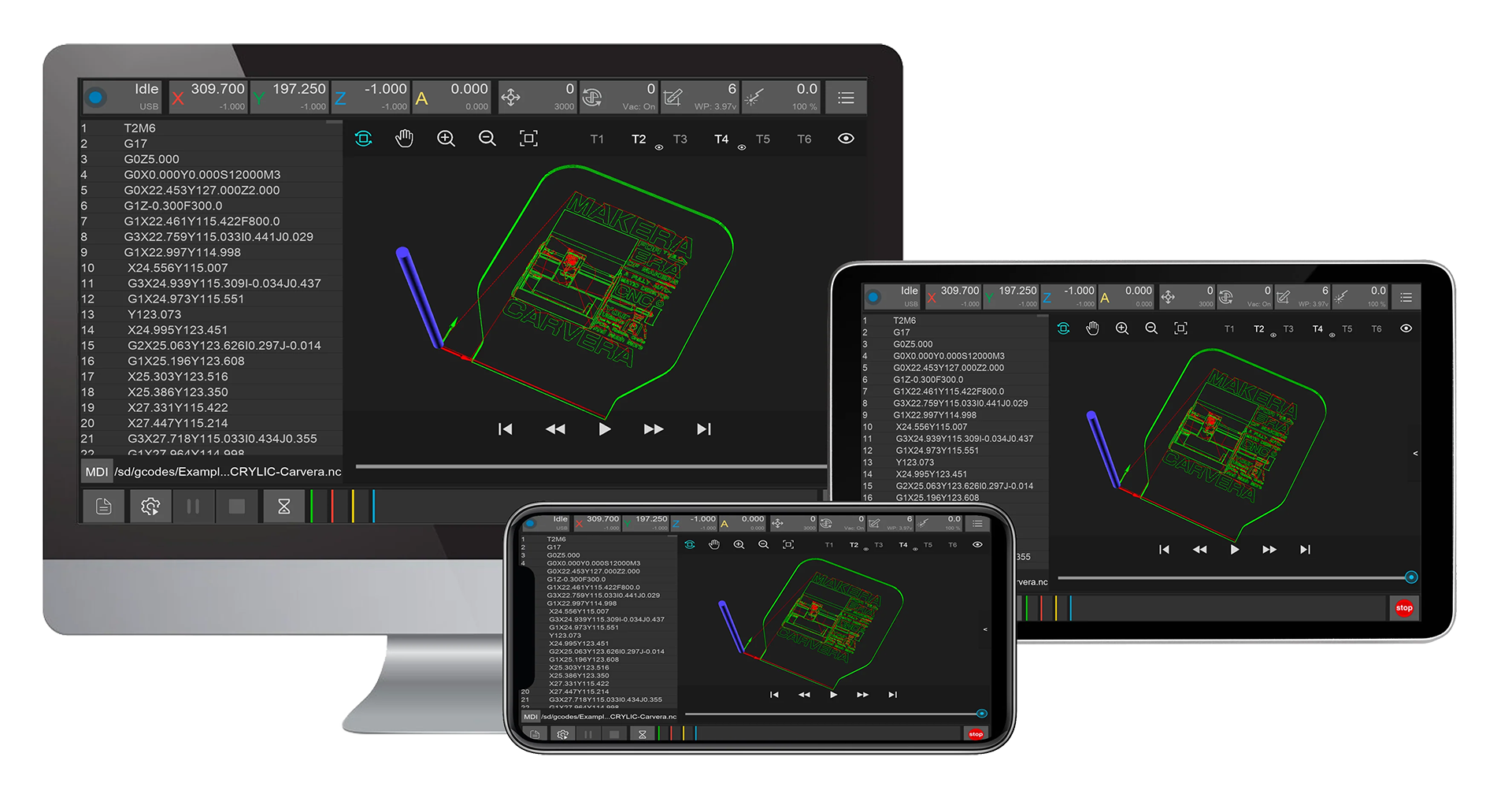
Carvera & Carvera AirLuchtregelaar
Een krachtige machine heeft krachtige software nodig.
De Controller-software ondersteunt uw Carvera of Carvera Air-machine volledig en kan worden uitgevoerd op Windows, Mac, Android, Linux en iOS, zowel via een kabel als op afstand.
De software controleert automatisch op updates en de nieuwste versie kan hieronder worden gedownload.
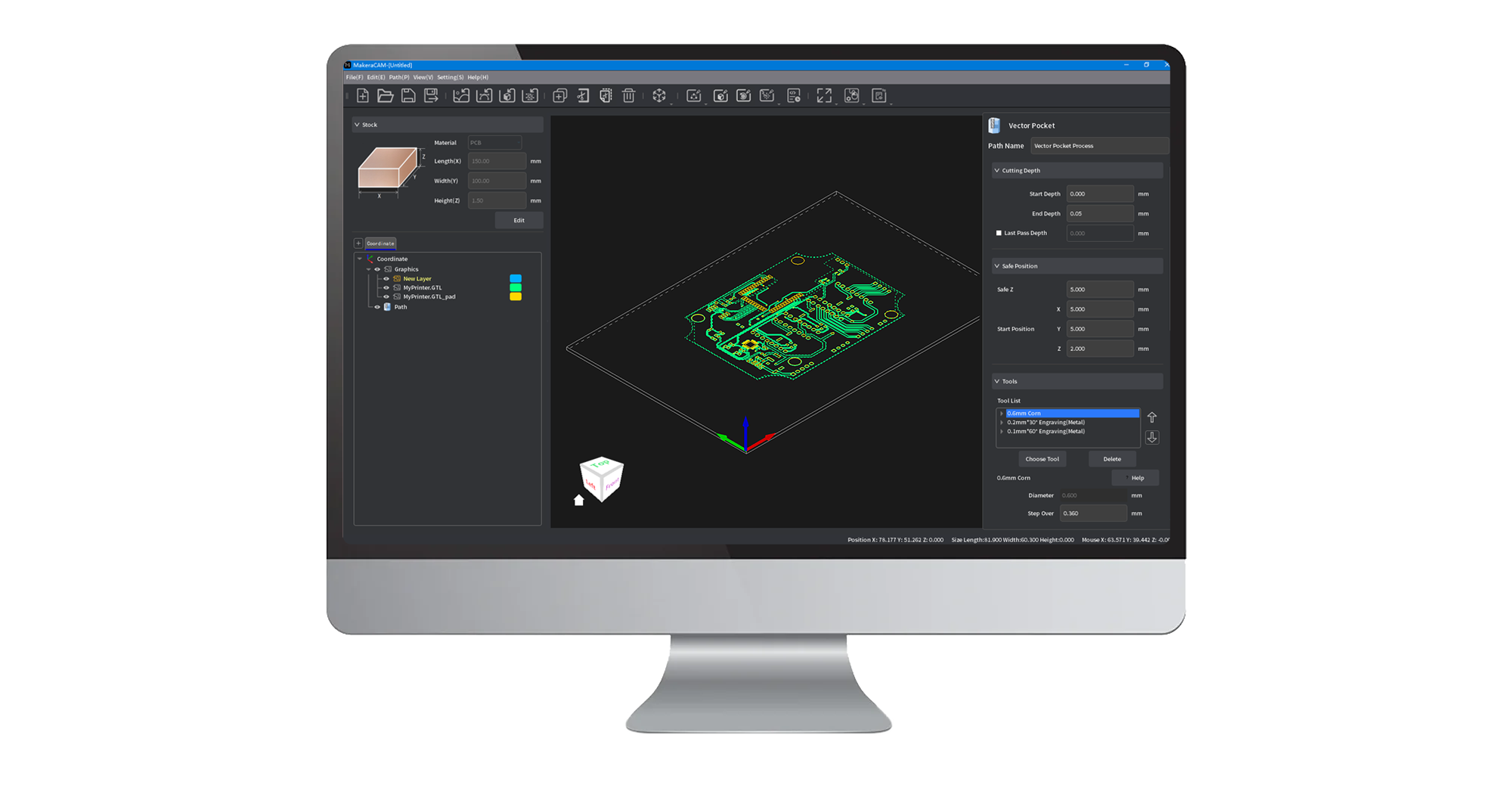
Makera CAM
Makera CAM takes the complexity out of CNC machining, transforming your designs into reality faster and with greater ease.
Whether you're working with 2D designs, 3D models, 4th-axis projects, or the laser, we've got you covered through this all-in-one software solution!
Carvera & Carvera Air customers get free access to Makera CAM—and if you don’t own a Makera machine yet, enjoy a 15-day free trial on us!
Carvera & Carvera Air-firmware
The Carvera and Carvera Air Firmware is the software that runs on the machine. You can download and upgrade it in the Controller.
Ondersteunde CAM-software
Bekijk de lijst met CAM-softwareprofielen die wij ondersteunen.
Wij raden Makera CAM aan voor de Carvera en Carvera Air omdat het zorgvuldig is geoptimaliseerd voor uw machine, waardoor het zowel voor beginners als professionals gemakkelijker en intuïtiever te gebruiken is.
Heb je je eigen softwarevoorkeur? Geen probleem! We werken goed samen met anderen! Fusion, VCarve, SolidWorks en andere populaire CAM.
softwareoplossingen worden volledig ondersteund. We luisteren altijd naar onze gebruikers en breiden de compatibiliteit uit, zodat u kunt ontwerpen.
en creëer naar eigen wens.
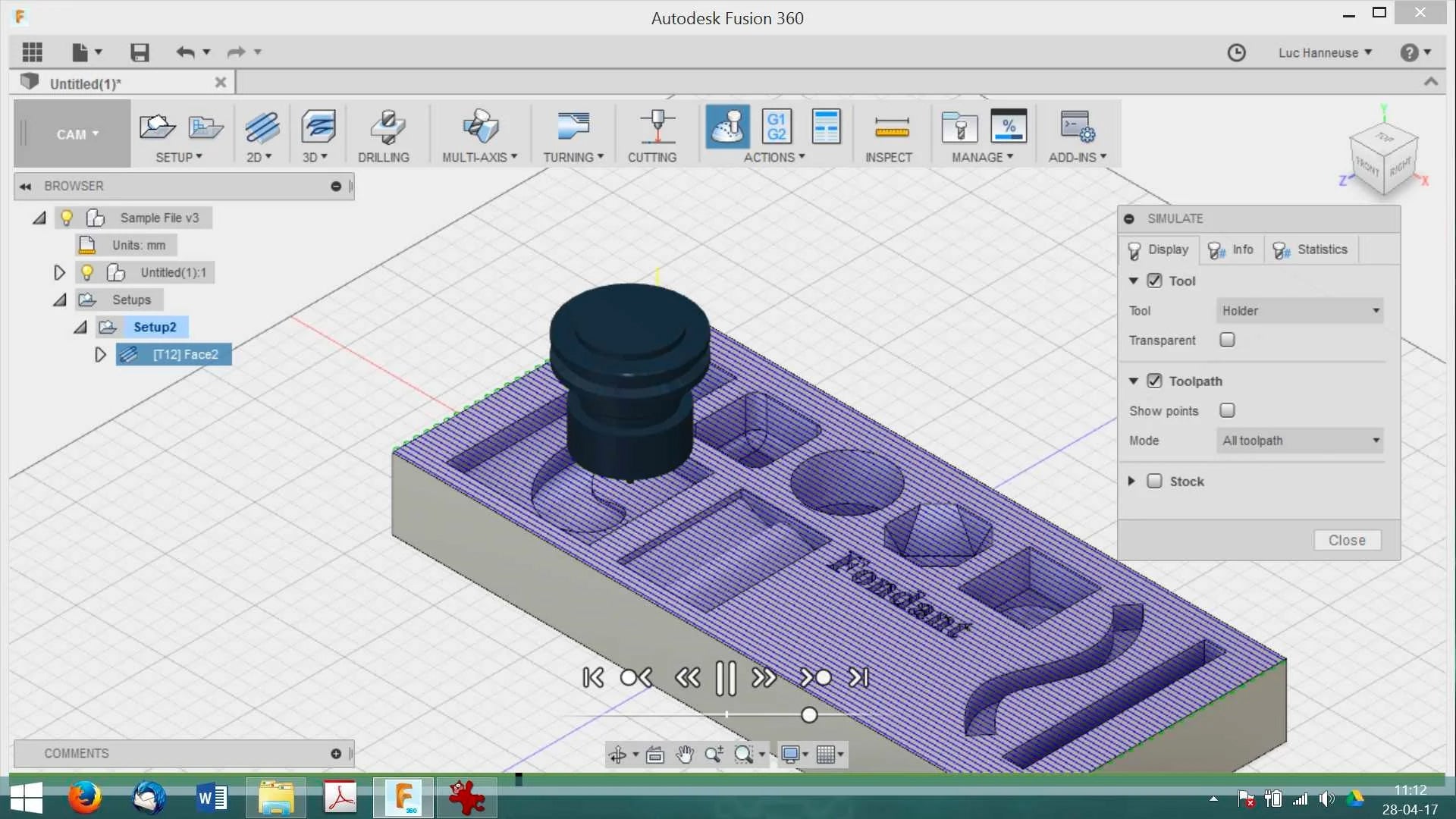
Fusion 360
Compare to other industrial software, Fusion 360 is relatively easy to learn and is an all-in-one solution. If you are new to CAD and CAM, and you are interested in making mechanical/electronic/robot/drone parts or something like them, fusion 360 is a good option.
It's free for students or startups with full functions, the personal version is free too but has some limitations.
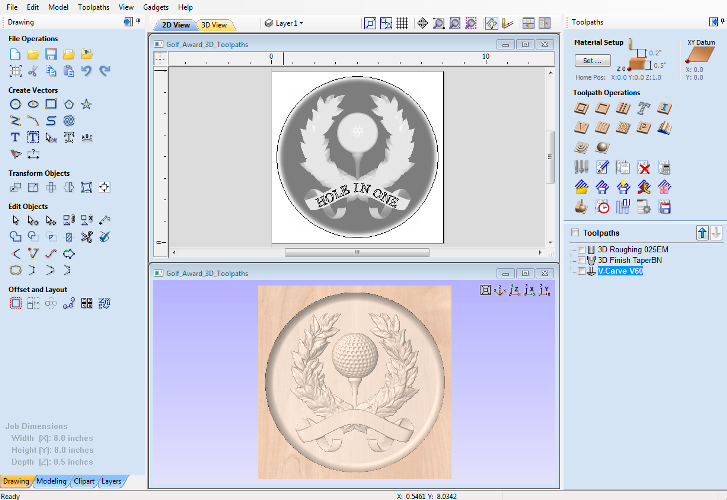
VCarve Desktop
VCarve Desktop is suitable for woodworking, jewelry making, art making, etc.

Kiri:Moto
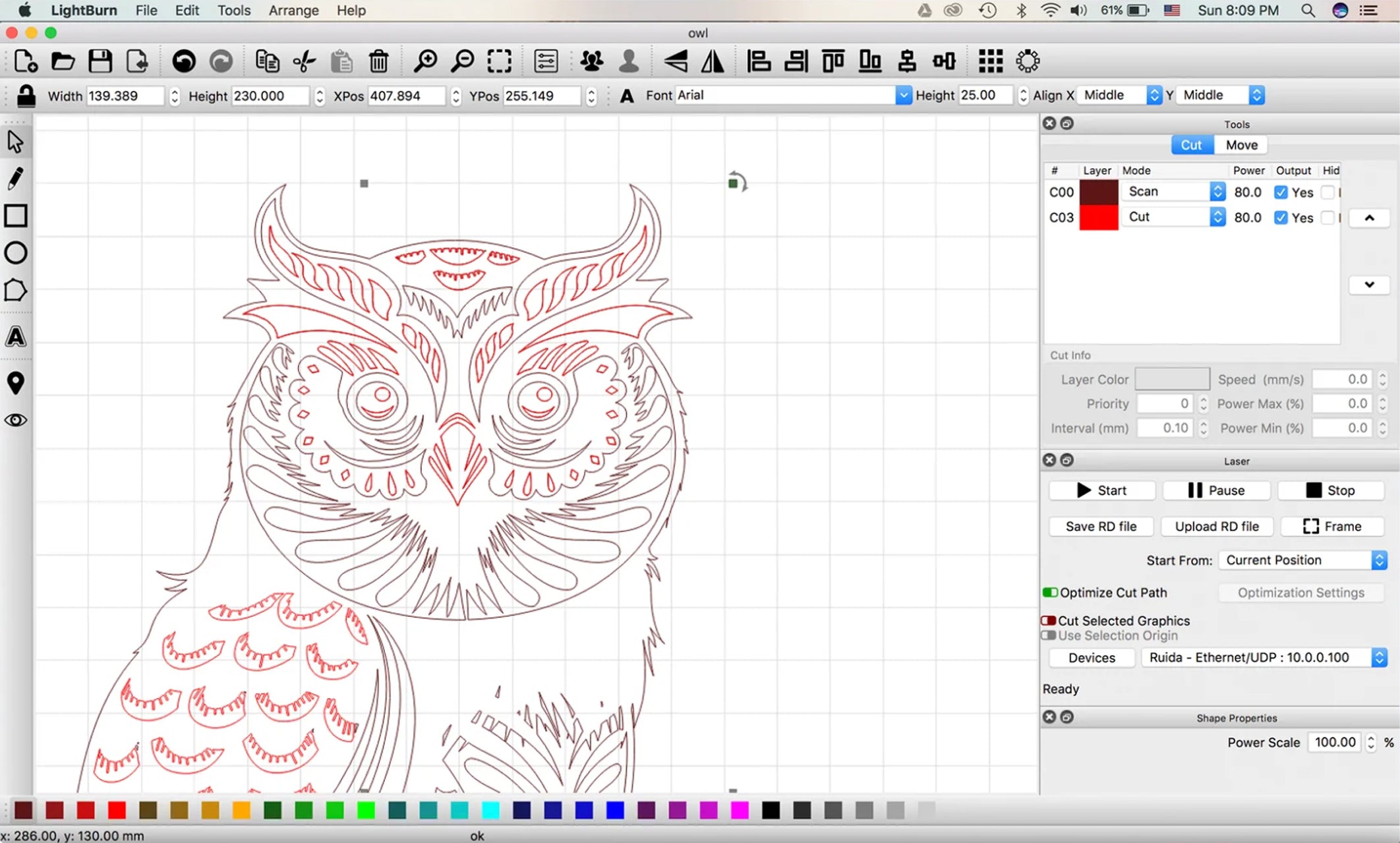
LightBurn
- Import artwork in a variety of common vector graphic and image formats.
- Arrange, edit, and even create new vector shapes within the editor.
- Apply settings like power, speed, number of passes, cut order, brightness & contrast, dithering mode, and much more.